You.com supports the integration of your Google Drive, allowing the selection of one or more files for chats and agents.
Typically a user connects their Google Drive ahead of selecting files when chatting or building an agent, however, if the connection is not configured ahead of time You.com will prompt the user to go through the connection steps as outlined below.
Navigate to the integrations page by clicking on your name at the bottom of the left menu bar, then click Integrations

Click on Connect
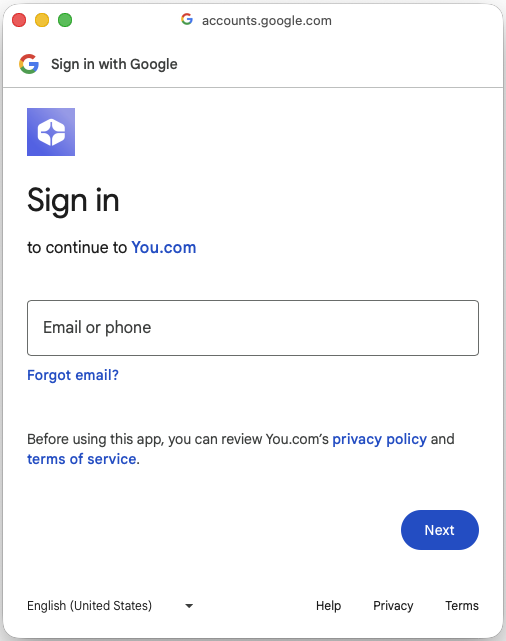
Follow the standard Google connection steps and grant You.com access to your drive
|
Add in your email address
Click Next
|  |
| Click Continue | 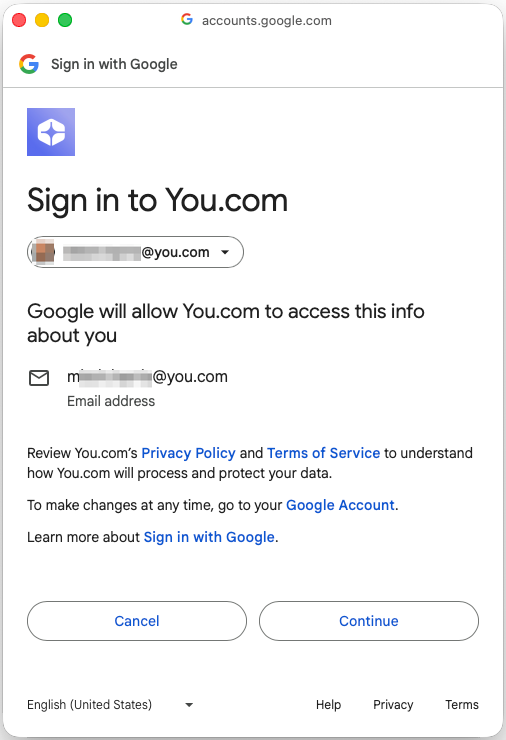 |
| Click Allow | 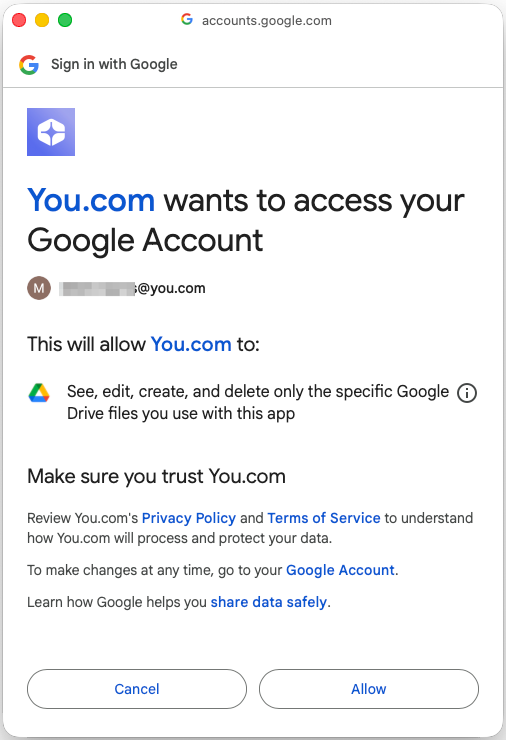 |
| |
 |
Your Google drive is now connected.
Disconnect at any time by clicking on the Disconnect button