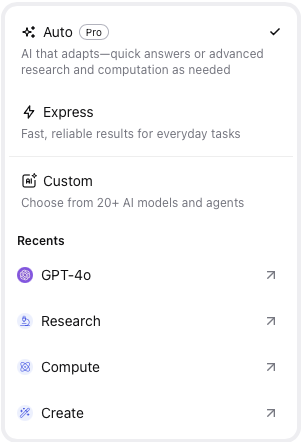
You.com supports the use of Auto and Express modes where the platform determines which of the available LLMs is used with your chat. A user has the option to manually select their preferred model from the Model drop down list in the chat window (under the 'Auto').

|
Clicking on Auto will display recent Agents and Models, if appropriate select one of those or select Custom
|  |
| |
|
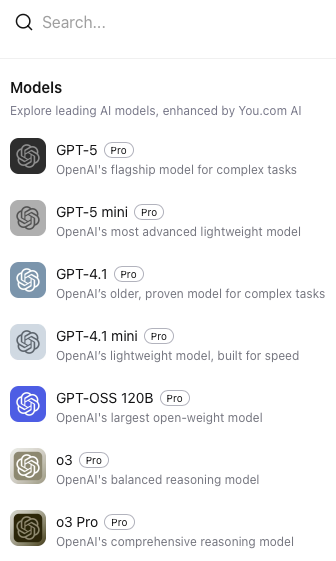
From the custom list select the LLM you require or search the list using the search bar
|  |
Once selected add in your chat query or select web and local data sources