| To view a project click on Projects in the side bar and then the project tile itself |  |
| |
Optionally mouse over the top right hand corner of the project tile to reveal other options icon , click icon and then the appropriate option if needed , click icon and then the appropriate option if needed | 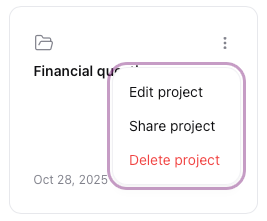 |
Removing a chat thread from a project
| From the project view mouse over the top right hand corner of the chat thread tile to reveal other options icon, click icon and select Remove from project |
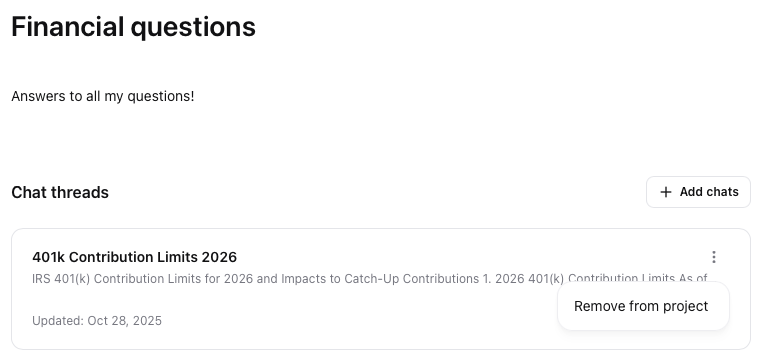 |
Note: Removing the chat from the project DOES NOT delete the chat thread from You.com. If you need to delete the chat, click the ellipsis marks icon  to the right of the chat name and select Delete