Chats can be deleted either from the chat history in the menu bar or next to the chat name in the chat title bar
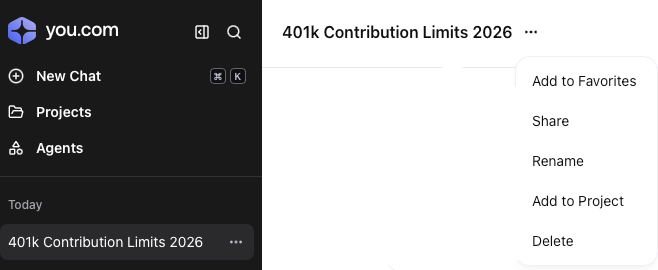
Deletion from within the chat window
|
When in the chat click on the ellipsis marks  to display the chat options to display the chat options
Click on Delete to remove the current chat
|  |
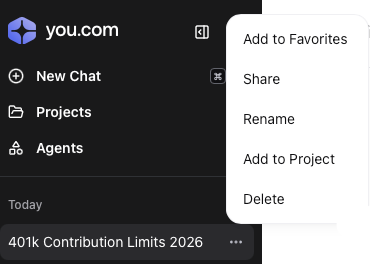
Deletion from the chat history bar
|
Click on the ellipsis marks to the right of the chat name
Click on Delete to remove the current chat
|  |
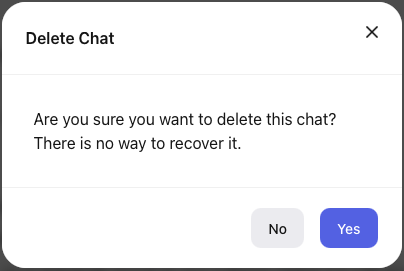
Deletion confirmation
|
Confirm deletion by clicking on Yes
or
Click No to return to the prior screen
|  |