Chats can be shared either from the chat history in the menu bar, next to the chat name in the chat title bar or by clicking the SHARE button in the top right of the chat screen
Sharing from within the chat window
|
When in the chat click on the ellipsis marks  to display the chat options to display the chat options
Click on Share
|  |
Sharing from the chat history bar
|
Click on the ellipsis marks to the right of the chat name
Click on Share
|  |
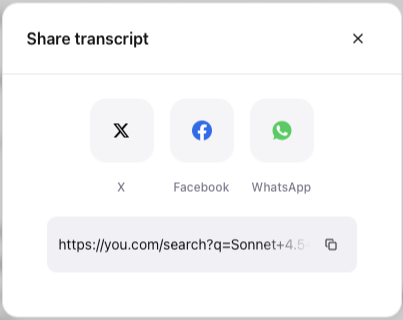
Copying the share link, share to social media
|
Click on the copy icon  to copy the share link to your clipboard to copy the share link to your clipboard
or click on a social media icon
|  |
Note: Sharing within your organization is on by default, however, for Enterprise customers your administrator may have disabled sharing to others outside of your organization. Please check with your admin on your current security policies