Chat threads can be found in the left menu bar and are grouped by favorites and by time period i.e Today, Yesterday, last 7 days etc. To help find a particular chat which is not displayed click on the Magnifier icon  .
.
|
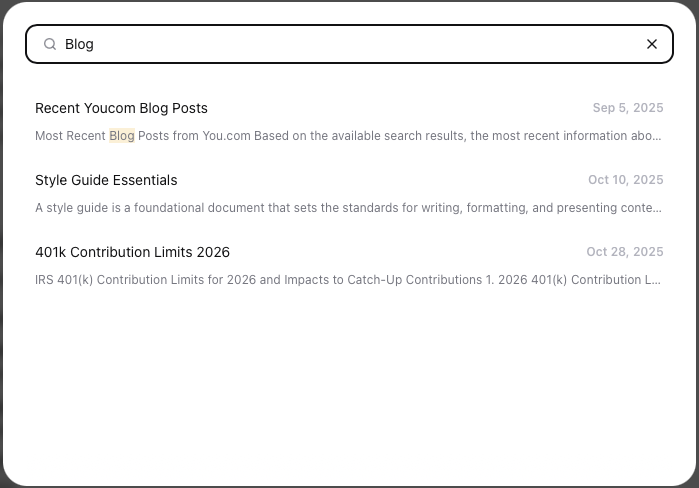
You will be presented with the most recent chats
Start typing the name or contents of the chat you require, the list will dynamically update,
click on the required chat thread, which will open the chat page.
|  |
Click outside of the search window to return to the prior screen