You.com will automatically name your chats, chats can be renamed either from the chat history in the menu bar or next to the chat name in the chat title bar
Renaming from within the chat window
|
When in the chat click on the ellipsis marks  to display the chat options to display the chat options
Click on Rename
|  |
Renaming from the chat history bar
|
Click on the ellipsis marks to the right of the chat name
Click on Rename
|  |
Renaming
|
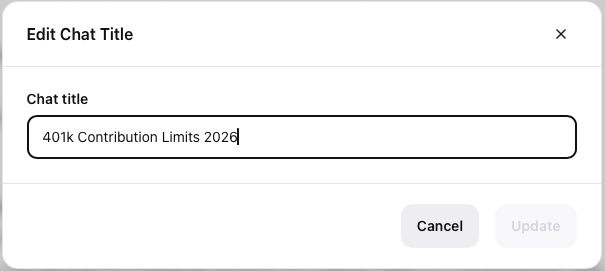
Overtype the current chat name click Update to confirm the change
or
Click Cancel to return to the prior screen
|  |